
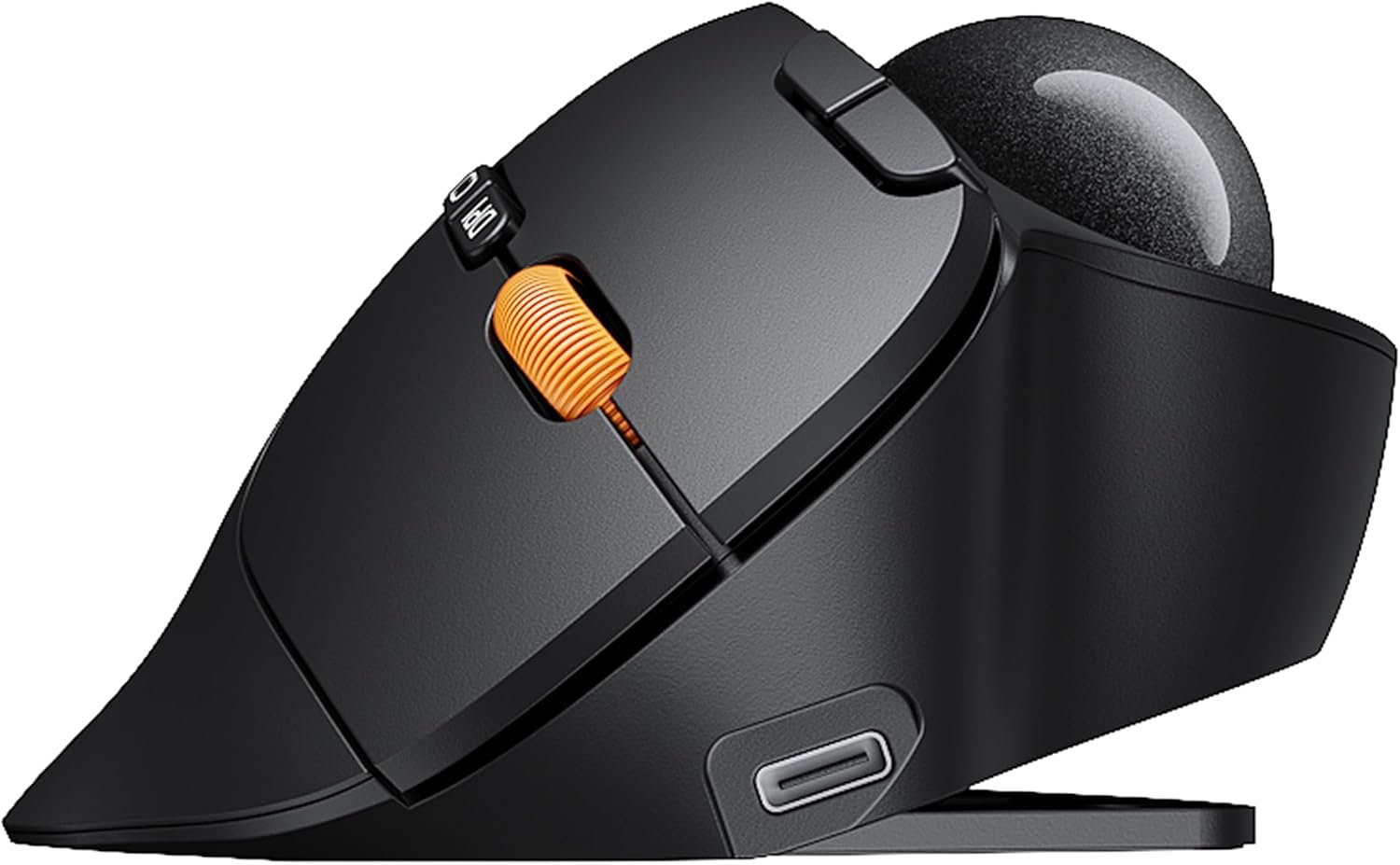
ProtoArc EM02 Wireless Trackball Mouse, 0/15° Adjustable Angle, Gray
Original price was: $49.99.$34.99Current price is: $34.99.
Related Products


Product description
Protoarc Wireless Trackball Mouse, A Mouse With Two Ergonomic Modes
The video showcases the product in use.The video guides you through product setup.The video compares multiple products.The video shows the product being unpacked. EM02 Wireless Trackball Mouse
Adjust freely based on your comfort and work needs. Switch between 30° standard and 45° vertical angles for a more natural, personalized ergonomic fit.

 Liberating Your Wrist
Easy thumb control, no need to move the mouse, providing a more comfortable working experience


1 Two Comfortable Modes
2 Reduce Wrist Movement
3 Easy to Clean
4 1-2 Weeks Adaptation Time
5 Measure your hand


1 Tri-Mode Connectivity
2 Smooth & Precise Tracking
3 Long-Lasting Rechargeable
4 5 DPI Levels
5 More Controls
Effortless and Silent Control in Any Space


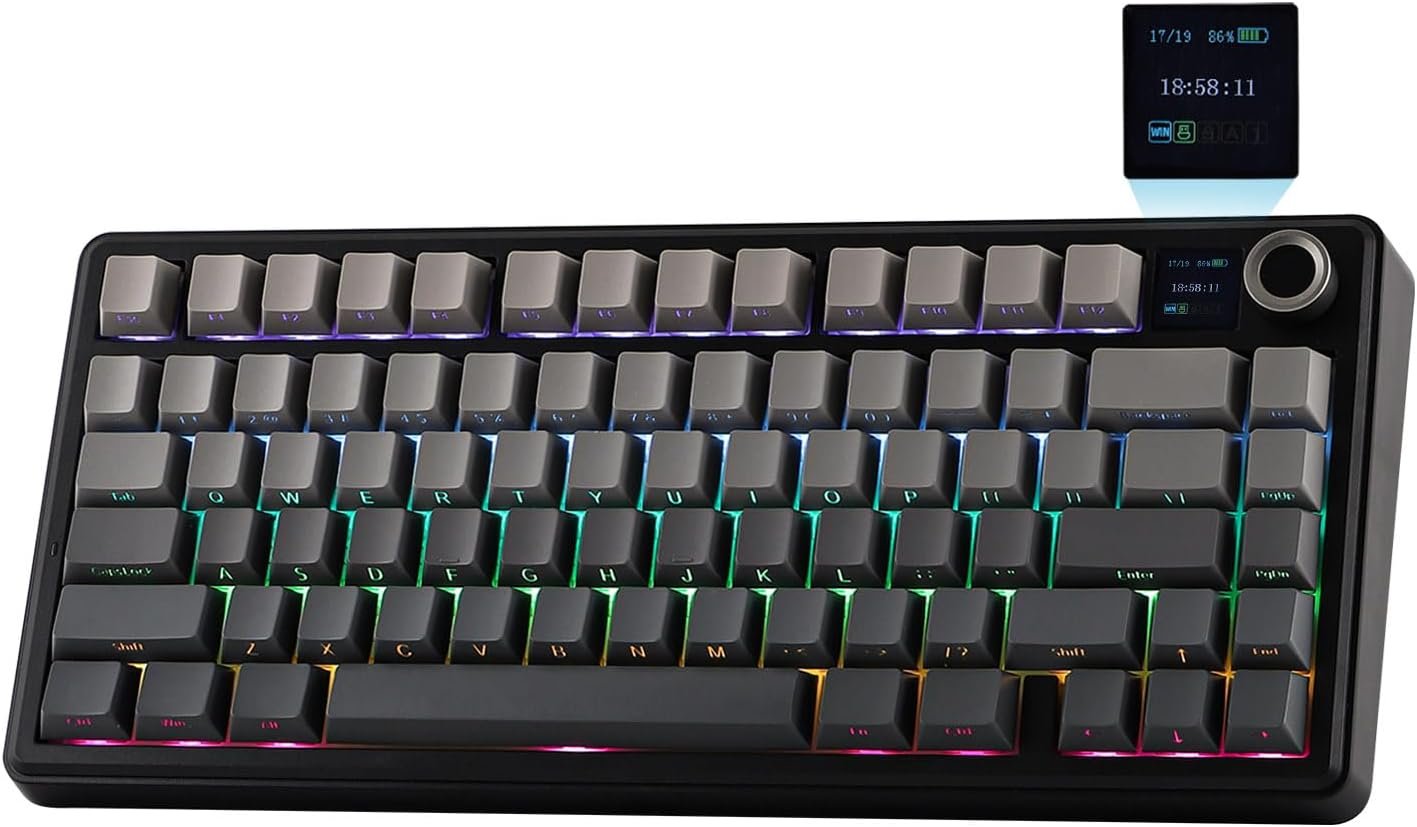
 Complete your workspace with the ProtoArc EK02
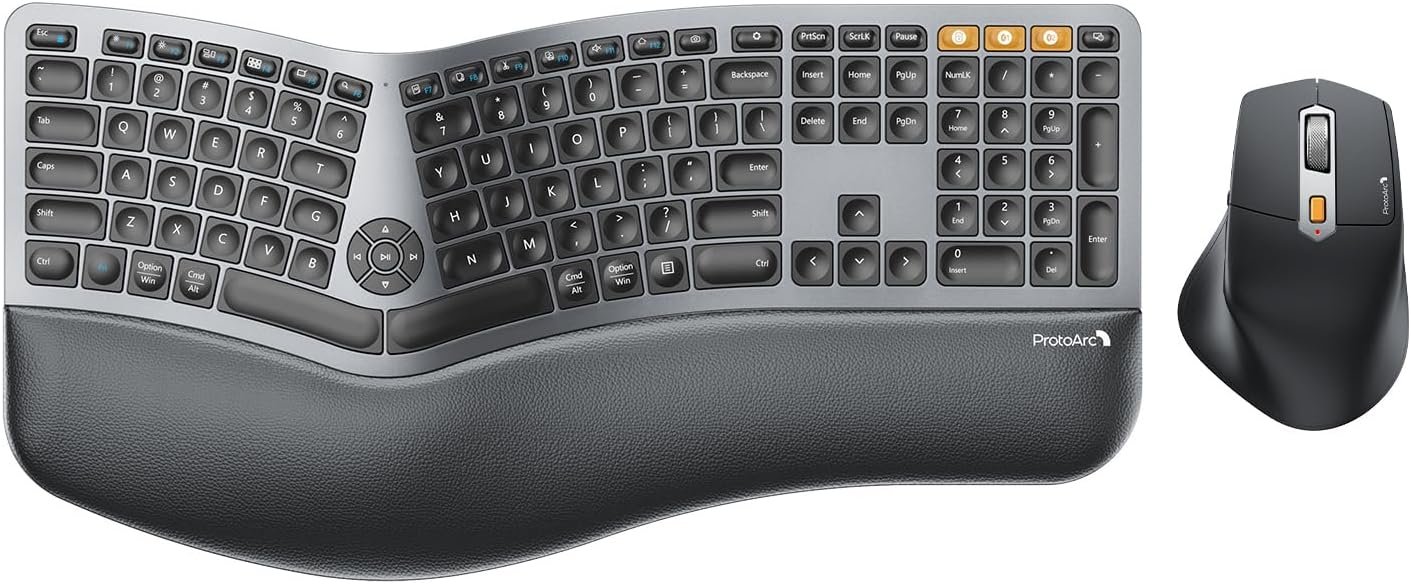
Complete your ergonomic workspace with the ProtoArc EK02 wave keys keyboard and the EM02 wireless trackball mouse duo – comfort meets performance in one seamless pair
Is this trackball mouse easy to use for first-time trackball users?
It may take 1-2 weeks to get familiar with. For first-time users, we recommend starting with a lower DPI setting (200/400 DPI) and gradually adjusting the sensitivity once you become comfortable with the trackball control.
Why does a trackball sometimes feel sticky or unsmooth when I use it?
1. After prolonged use, any trackball will accumulate dust—this is normal. Please clean the ball and the three white rollers first, then use it as usual.
2. Low battery power can also cause lag.
Why is trackball or cursor control sometimes imprecise?
1.The ball rolls due to inertia, so control is sometimes imprecise. When adjusting the cursor, use your finger to stop the ball, then lift your finger straight up.
2.There is dirt in the trackball groove. Please clean it promptly.
Is this mouse suitable for small hands?
EM02 suits for medium to large hands. For users with smaller hands (less than 17.5 cm measured from the base of the palm to the center of the hand), the size may feel larger and may not provide the most comfortable grip.
Are the buttons programmable? Does it support forward/back buttons on Mac?
No. The buttons are not programmable. Please note that the forward and backward buttons are not supported on Mac OS systems and may not function as expected.
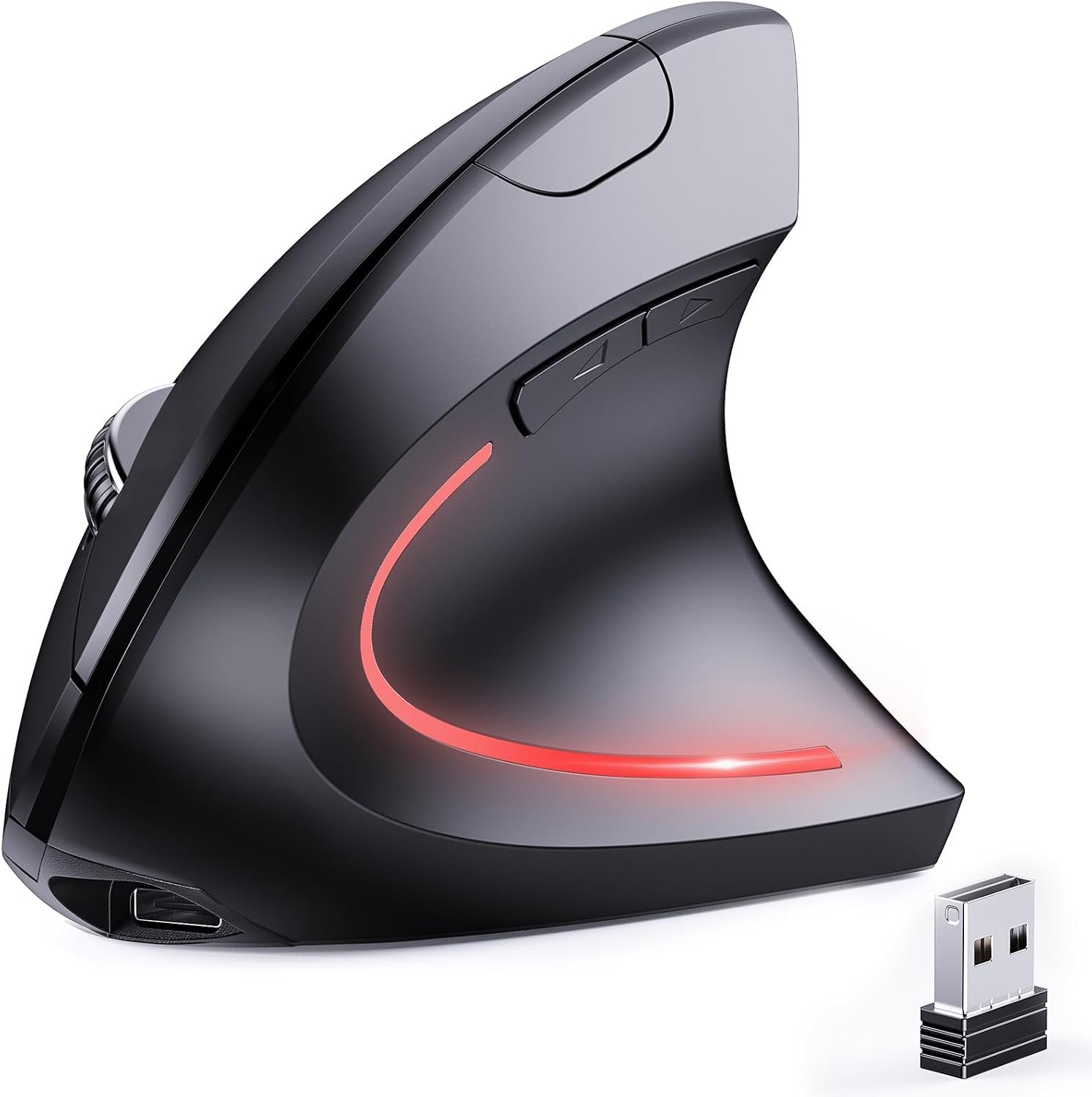
ProtoArc Wireless Bluetooth Mouse
Add to Cart
Add to Cart
Add to Cart
Add to Cart
Add to Cart
Customer Reviews
4.4 out of 5 stars 271
4.2 out of 5 stars 445
4.2 out of 5 stars 3,403
4.4 out of 5 stars 1,914
4.8 out of 5 stars 30
4.1 out of 5 stars 212
4.4 out of 5 stars 749
Price
$34.99$34.99
$49.99$49.99
$39.99$39.99
$27.99$27.99
$54.99$54.99
$32.99$32.99
$15.98$15.98
Connection Type
2.4G + Dual Bluetooth
2.4G + Dual Bluetooth
2.4G + Dual Bluetooth
2.4G + Dual Bluetooth
2.4G + Dual Bluetooth
2.4G + Dual Bluetooth
2.4G USB-A + USB-C + Bluetooth
Adjustable Angle
✔
✘
✔
✘
✔
✘
✘
Channel Switching Button
The Top of the Mouse
The Bottom of the Mouse
The Top of the Mouse
The Bottom of the Mouse
/
The Bottom of the Mouse
The Bottom of the Mouse
Forward/Back Buttons
✔
✔
✔
✔
✘
✘
✔
Buttons Programmable
✘
✘
✘
✘
✘
✘
✘
Mouse Type
Thumb Type
Thumb Type
Thumb Type
Thumb Type
/
Index Finger Type
Ergonomic Mouse
Hand Size
Great for Medium Hand
Great for Medium Hand
Great for Medium Hand
Great for Small Hand
Great for Small to Medium Hand
Great for Medium to Large Hand
Great for Medium to Large Hand
USB-C Charging
✔
✔
✔
✔
✔
✔
✔
Compatibility
MacOS,iOS, iPadOS, Win,Android
MacOS,iOS, iPadOS, Win,Android
MacOS,iOS, iPadOS, Win,Android
MacOS,iOS, iPadOS, Win,Android
Win/Mac/Android
MacOS,iOS, iPadOS, Win,Android
MacOS,iOS, iPadOS, Win,Android
Adjustable Tilt Angle: With its customizable hinge, you can easily set the trackball to a flat 0° or a tilted 15° position. This ergonomic adjustment helps maintain a natural hand posture, reducing strain and providing personalized comfort throughout the day.
Precise Trackball Control: Navigate efficiently without moving your wrist—simply roll the trackball for smooth, accurate cursor control. Ideal for tight or cluttered workspaces, it minimizes fatigue and maximizes productivity even in limited desk areas.
Multi-Device Connectivity: Seamlessly connect via 2.4GHz wireless or Bluetooth and switch between devices with one button. Offers broad compatibility across systems (note: forward/backward buttons are not compatible with Mac OS).
USB-C Rechargeable with Extended Standby: Features a convenient USB-C charging port and an impressive 90-day standby time on a full charge. Enjoy long-lasting performance with minimal need for recharging, ensuring reliable use day after day.
Quiet Clicks & Adjustable DPI: Equipped with quiet-touch buttons, perfect for late-night work without disturbing others. Five adjustable DPI settings (200/400/800/1200/1600) allow you to fine-tune cursor speed, helping you adapt smoothly to trackball use and match your workflow precision.
Health Tip: Like any ergonomic tool, trackball mice require a short learning curve. Unlike traditional mice, they keep your wrist stable – a more natural motion that reduces pressure and fatigue. Most users adapt within 1–2 weeks. Experiment with hand positions to find your comfort. Our goal: healthier, pain‑free use for years
Cleaning Tips: After prolonged use, any trackball will accumulate dust—this is normal. If you experience issues such as stickiness, unsmooth or lack of precision, please clean the ball and the three white rollers firstly to resolve the problem.
Original price was: $49.99.$34.99Current price is: $34.99.